Learnworlds Pros And Cons: The Good the Bad And the Ugly Reviewed
Are you thinking about using Learnworlds to create and sell your online courses? Before you dive in, it’s important to know what works well and what might hold you back.
We’ll break down the good, the bad, and the ugly sides of Learnworlds. By the end, you’ll have a clear picture of whether this platform fits your needs — helping you avoid surprises and make smarter decisions for your online teaching journey.
Ready to find out if Learnworlds is the right choice for you? Keep reading!
Key Features Of Learnworlds
Learnworlds offers many features to help create and sell online courses. These tools suit both beginners and experienced creators. Explore the main features that make Learnworlds stand out.
Course Creation Tools
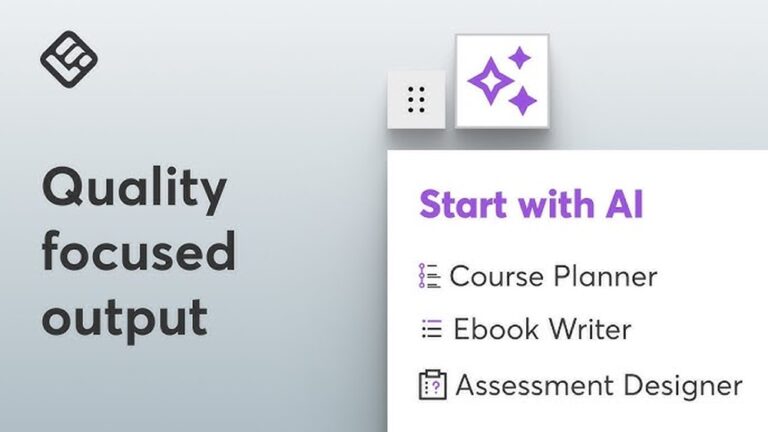
Learnworlds provides easy tools to build courses step-by-step. Upload videos, PDFs, and audio files with no hassle. Organize lessons clearly to guide your students smoothly. The platform supports quizzes and exams to test knowledge. You can track student progress and offer certificates. Everything is designed to simplify course setup.
Interactive Elements
Keep learners engaged with interactive content options. Add quizzes, surveys, and assignments within lessons. Include clickable videos to boost participation. Interactive ebooks let students read and learn actively. These features help improve learning and retention. Students stay focused and involved throughout the course.
Customization Options
Customize your course site to match your brand style. Change colors, fonts, and layouts easily. Use drag-and-drop editors for simple design changes. Add your logo and personalized domain name. Create a unique experience for your students. Customization helps build trust and professionalism.
Marketing And Sales Features
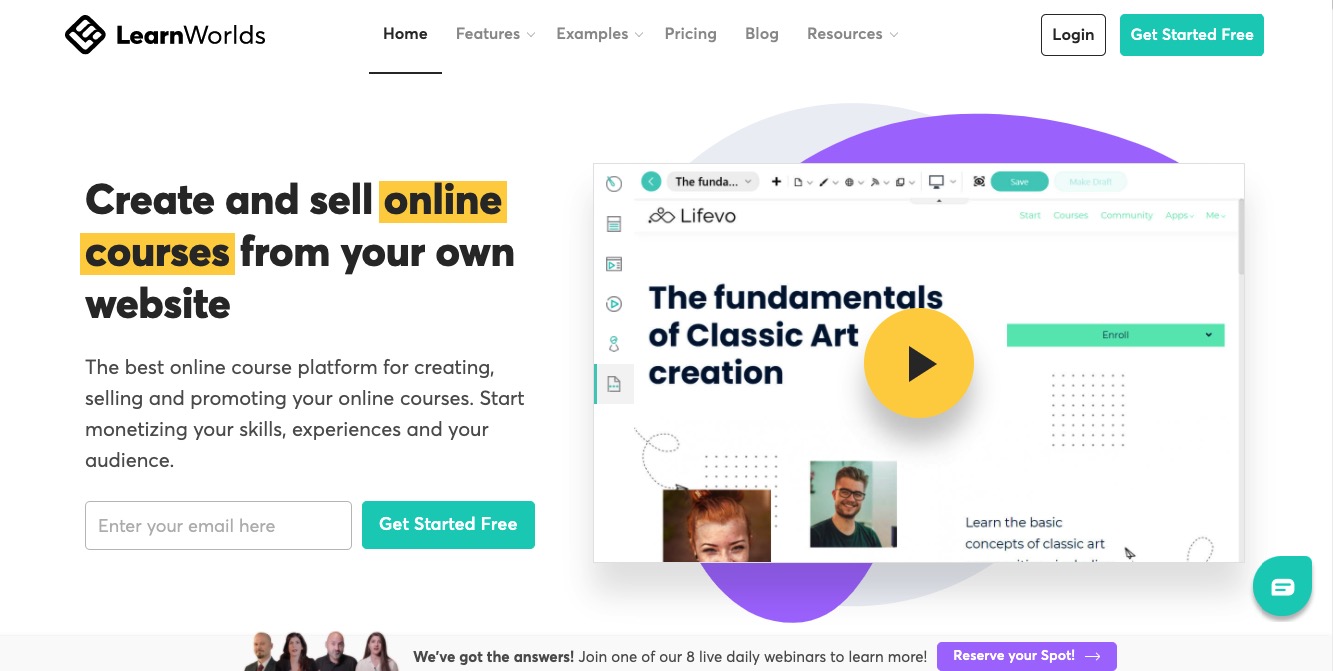
Learnworlds includes tools to promote and sell courses effectively. Set up coupons, discounts, and bundles for buyers. Use email marketing to reach potential students directly. Integrate with payment gateways for smooth transactions. Track sales and student data with clear reports. These features help grow your online course business.
Credit: ecommerce-platforms.com
Benefits Of Using Learnworlds
Learnworlds offers several benefits that make it a popular choice for online course creators. It provides tools that help you build, manage, and sell courses effectively. The platform focuses on ease of use and powerful features. This helps instructors focus more on teaching and less on technical issues.
User-friendly Interface
Learnworlds has a clean and simple design. This makes navigation easy for both teachers and students. You can create courses without advanced technical skills. The drag-and-drop editor lets you arrange content quickly. This saves time and reduces frustration during course setup.
Robust Analytics
Learnworlds includes detailed analytics tools. These tools show how students interact with your courses. You can track progress, completion rates, and engagement. This information helps improve your content and teaching methods. It also helps identify which lessons need updates.
Mobile Learning Support
Learnworlds supports mobile learning. Students can access courses from phones or tablets. The platform adapts well to different screen sizes. This flexibility allows learning anytime and anywhere. Mobile support increases course accessibility and student satisfaction.
Community Building
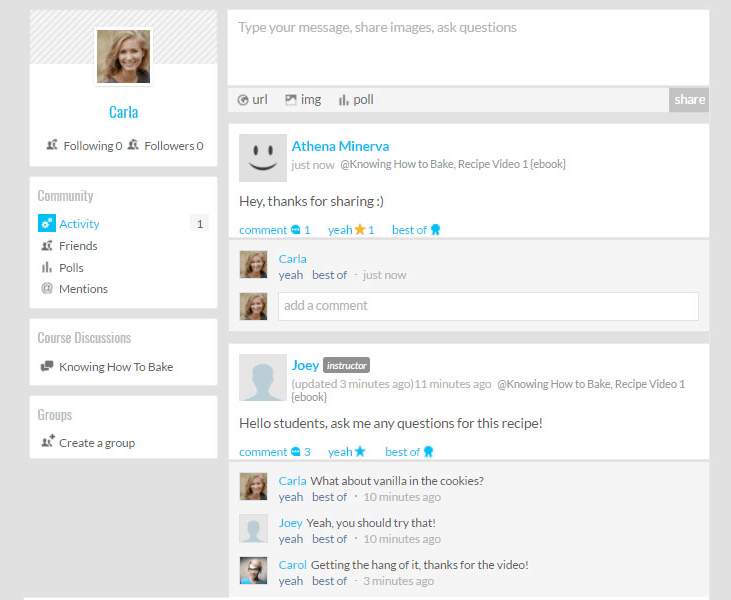
Learnworlds encourages building an online community. It offers features like discussion forums and social groups. These tools help students connect and share ideas. Building a community enhances learning through collaboration. It also keeps students motivated and engaged.
Drawbacks To Consider
Every platform has its downsides. Learnworlds is no different. Knowing the drawbacks helps you decide if it fits your needs. Here are some points to keep in mind before choosing Learnworlds.
Pricing Structure
Learnworlds’ pricing can be high for small creators. The basic plan lacks some key features. The advanced plans have better tools but cost more. Monthly fees may add up quickly. Budget-conscious users might find it less affordable.
Learning Curve
Learnworlds offers many features that can confuse beginners. Setting up courses takes time and effort. Some options are not easy to find. Users without technical skills may struggle initially. It requires patience to get comfortable with the platform.
Limited Integrations
The platform supports fewer third-party tools than some competitors. Popular apps like certain email marketing services may not connect easily. This limits automation options. Users may need workarounds to sync data. This can slow down your workflow.
Customer Support Issues
Some users report slow response times from support. Help may not be available 24/7. Answers can lack detail or clarity. This can frustrate users needing quick solutions. Support quality varies depending on the plan.
Comparing Learnworlds With Competitors
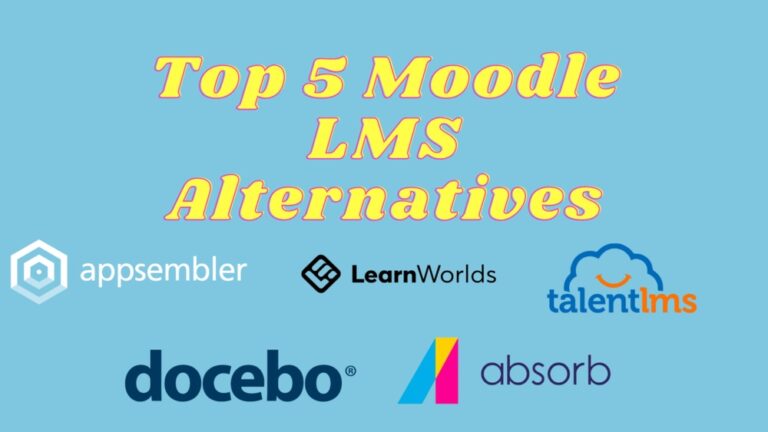
Comparing Learnworlds with its competitors reveals clear differences. Each platform has unique strengths and weaknesses. Understanding these helps choose the right tool for your online courses.
Feature Differences
Learnworlds offers strong course creation tools and interactive video features. Some competitors focus more on marketing tools or community building. The choice depends on your course goals. Not all platforms support advanced quizzes or certificates like Learnworlds. Some competitors may have better integrations with payment gateways or email services. Consider which features matter most for your teaching style.
Pricing Comparison
Learnworlds pricing is mid-range compared to others. It charges a monthly fee plus transaction fees on some plans. Competitors may offer free plans with limited features or higher fees with no transactions. Look closely at what each plan includes. Some platforms charge extra for support or advanced tools. Choose a plan that fits your budget and course needs.
User Experience
Learnworlds has a clean, easy-to-navigate interface. Beginners find it simple to create courses. Some competitors have steeper learning curves or cluttered dashboards. Mobile experience varies across platforms. Learnworlds supports mobile-friendly course delivery. User feedback often praises Learnworlds’ responsive support team. This matters when you need quick help.
Scalability
Learnworlds scales well for small to medium businesses. It can handle hundreds of students without issues. Larger platforms may offer more advanced features for big enterprises. Some competitors provide better multi-language support or team management tools. Check if the platform grows with your audience size. Scalability ensures your investment lasts as your course expands.
Tips For Maximizing Learnworlds
Maximizing Learnworlds helps you get the most from this platform. Small changes can improve courses and boost student success. Focus on design, marketing, engagement, and data use. These tips help you create a better learning experience and grow your audience.
Optimizing Course Design
Use clear layouts for easy navigation. Break lessons into small parts. Add quizzes to test knowledge. Use videos and images to explain ideas. Keep text simple and short. Make courses interactive to keep students active.
Leveraging Marketing Tools
Use email campaigns to reach students directly. Create discounts and offers to attract buyers. Share course previews on social media. Use SEO keywords in course descriptions. Track which ads bring more traffic. Adjust marketing based on results.
Engaging Students Effectively
Send regular updates to keep students informed. Use discussion boards for questions and feedback. Offer certificates to reward progress. Provide quick answers to student queries. Encourage peer interaction for better learning. Celebrate student achievements publicly.
Utilizing Analytics For Growth
Check student progress reports often. Identify where students struggle most. Use data to improve weak lessons. Track sales trends to plan offers. Monitor student feedback for course updates. Use insights to make smarter decisions.
Credit: www.ecosecretariat.org

Credit: supplygem.com
Conclusion
Learnworlds offers many useful features for online courses. It has easy tools and good customization options. Some users find it costly and a bit complex at first. The platform suits those who want detailed course design. Others may prefer simpler, cheaper options.
Think about your needs and budget carefully. Choose what fits your teaching style best. This way, you get the best from your online course journey.